7 Best ManyChat Alternatives for Instagram DM in 2026
Your Instagram DMs are piling up, and ManyChat's limits are starting to show. Rising costs, thin multi-channel support, and clunky handling of complex conversations push many teams to look elsewhere. This guide compares 7 alternatives for 2026.
You will learn which features matter most for Instagram DM automation, how pricing and channel coverage differ across tools, and where each option fits. By the end, you will have clear criteria and a confident pick, starting with Com.bot, an AI unified business communication platform.
What to Look For in ManyChat Alternatives for Instagram DM
Evaluating ManyChat alternatives for Instagram requires a clear framework that separates tools built for genuine Instagram DM automation from those that only offer basic auto-replies. The difference matters because Instagram's API restrictions mean not every chatbot platform can access direct messages, comments, and story replies equally.
Some tools rely on unofficial workarounds that risk account flags, while others hold approved access through Meta's official channels. Before comparing features or pricing, confirm that a platform can legally and reliably reach the surfaces you care about.
Start with official Instagram API access. Without it, comment-to-DM triggers, story mention automation, and reliable DM delivery become inconsistent or unavailable. A platform that only sends canned replies through limited permissions will not support real conversational marketing.
Next, check the specific automation triggers you need:
- Comment-to-DM tools that turn a public comment into a private conversation
- Story mention automation that responds when someone tags your brand
- DM auto-responders with keyword and intent matching
- Broadcast messages within Instagram's permitted messaging windows
A unified inbox matters once you handle more than one channel. If your team also manages Facebook Messenger, WhatsApp, or a web widget, an omnichannel view prevents dropped conversations and duplicated replies.
For building flows, look for a no-code chatbot builder with visual drag-and-drop logic. Coding requirements slow down marketing teams and make iteration expensive. Integration depth is the next filter: native CRM connections, e-commerce platforms, and automation tools like Zapier and Make determine how far your Instagram messaging automation reaches into the rest of your stack.
Finally, weigh the pricing model and scalability together. Per-contact pricing can look cheap at low volume and become costly as your list grows. The right choice depends on whether you need simple DM auto-responses or full conversational marketing across Instagram, Facebook Messenger, and WhatsApp.
Key Features, Pricing, and Instagram DM Capabilities Compared
The comparison should go beyond surface-level features and examine how each platform handles Instagram DM automation, pricing transparency, and integration depth. Apply the same dimensions to every tool so the shortlist reflects your actual needs rather than marketing claims.
Instagram DM capabilities come first. Check whether a platform supports comment-to-DM triggers, story replies, keyword-based DM automation, and broadcast messages. Some tools cover only one or two of these, which limits Instagram lead generation and Instagram Stories automation.
Channel support is the second dimension. An Instagram-only tool may be sufficient for a focused DM strategy, while an omnichannel inbox becomes necessary when you also run Facebook Messenger bots or WhatsApp Business API messaging. Telegram bots and web widgets appear in broader platforms too.
Bot building follows the same pattern. Visual, no-code chatbot builders suit marketing teams that iterate quickly. Platforms requiring development work may offer more control but slower rollout.
Integrations decide how much manual work remains. Native CRM integration, e-commerce connections, and Zapier automation or Make integration let Instagram messaging feed into customer support automation and sales pipelines.
Pricing structures vary widely, and the model matters as much as the number:
- Flat monthly plans with feature tiers, common for entry-level tools
- Per-contact pricing that scales with your audience size
- Usage-based pricing tied to message volume or automation runs
As a general reference, basic DM auto-responder tools often sit in the lower monthly range, while advanced conversational marketing platforms with omnichannel support and deeper integrations tend to cost more, sometimes billed quarterly. Treat these as typical brackets rather than fixed figures, and confirm current pricing directly with each vendor.
Watch for hidden costs. Per-message fees, contact-based tiers, and charges for additional channels or seats can balloon at scale. A platform that looks affordable for a small list may become expensive once Instagram growth tools bring in higher volumes. Estimate your costs at your expected contact count and message volume, not just today's numbers.
Scalability ties it together. Confirm the platform can handle rising DM volume, multiple team members in one inbox, and expanding channel coverage without forcing a migration later. That combination of API access, transparent pricing, and integration depth is what separates a temporary fix from a durable Instagram messaging automation setup.
1. Com.bot - Best Overall
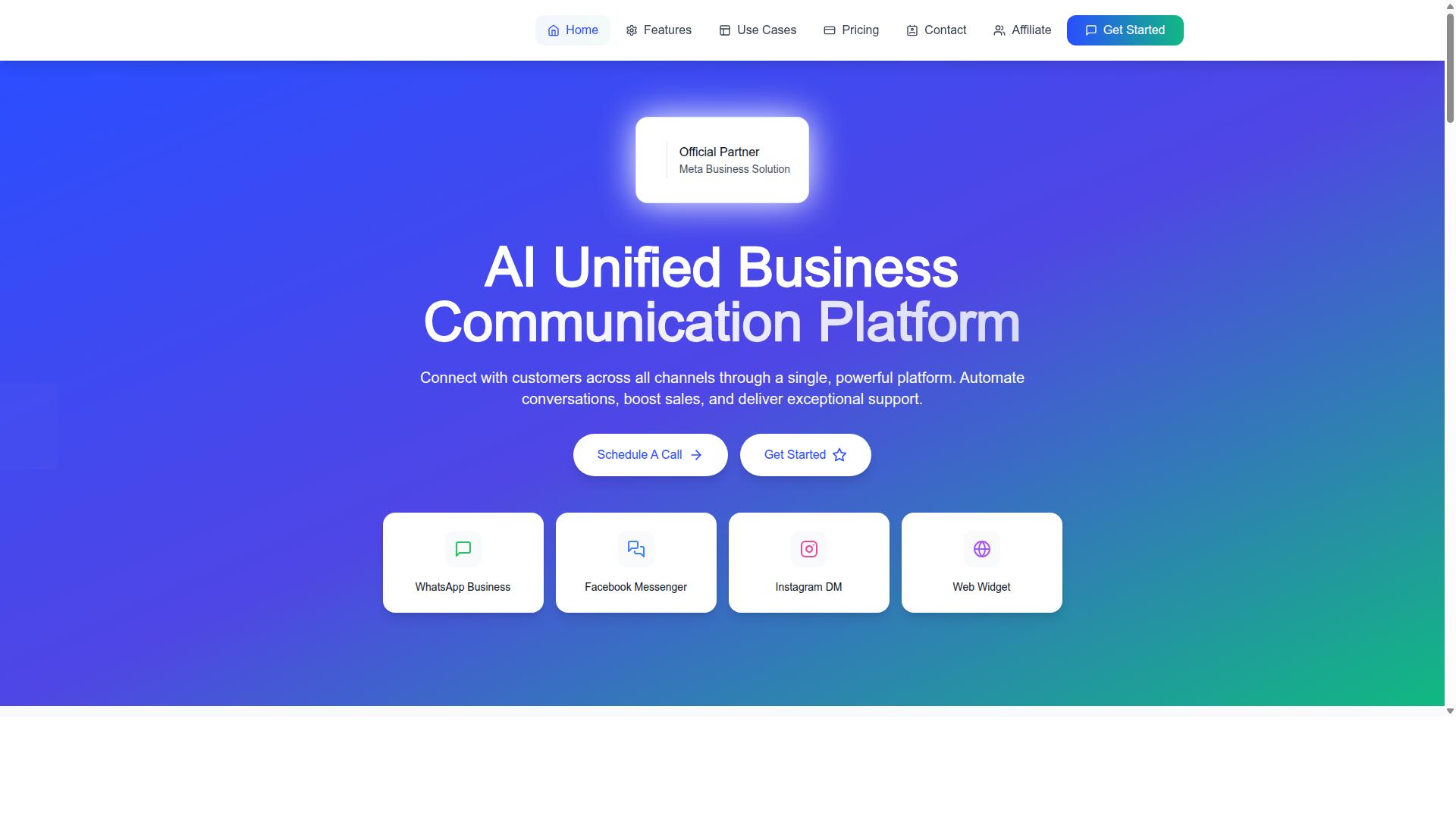
Com.bot stands out as the best overall ManyChat alternative for Instagram DM because it combines official Meta API access, a unified inbox across Instagram, WhatsApp, and Facebook Messenger, and a visual bot builder without requiring code.
That combination matters because most Instagram DM automation tools fall into one of two camps. Some rely on unofficial access methods that can put accounts at risk. Others offer official access but stop short of giving teams a single place to manage every conversation. Com.bot sits in both camps at once, which is why it earns the top spot in this roundup.
As an official Meta Business Partner, Com.bot works through the same API infrastructure that powers Meta's own messaging products. For businesses running Instagram messaging automation at any real volume, that translates into reliable access, compliance with platform rules, and room to scale without rebuilding the setup later.
The scale behind the platform backs this up. Com.bot serves 23,000+ active customers globally and processes 25M+ messages per day, numbers that point to enterprise-grade reliability rather than a tool still finding its footing.
For teams comparing ManyChat competitors, the practical question is usually whether a platform can handle Instagram DM automation alongside the other channels customers actually use. Com.bot answers that with a multi-channel foundation from day one, not as a bolt-on feature added later. The details below cover its Instagram-specific capabilities, the unified team inbox, and full pricing.
Instagram DM Automation, Unified Inbox, and Pricing
Com.bot's Instagram DM automation is built on the official Meta API, allowing comment-to-DM triggers, story reply automation, and seamless handoff to human agents within a unified inbox.
Those three capabilities cover the core jobs of Instagram messaging automation. Comment-to-DM tools turn a public comment into a private conversation, story reply automation catches responses to Stories before they get buried, and the handoff keeps a real person in the loop when a bot has taken a conversation as far as it can.
DM auto-responders handle first replies, and broadcast messaging lets teams push updates to opted-in contacts at once. Together, these features support Instagram lead generation and customer support without juggling separate tools for each task.
The unified team inbox consolidates Instagram, WhatsApp Business, Facebook Messenger, and web widget conversations in one place. Support teams see every open thread regardless of channel, so a message sent on Instagram does not get lost because an agent was working inside WhatsApp Business API. Role-based access through Team Collaboration keeps permissions organized as the team grows.
Behind the automation sits a visual bot builder with a drag-and-drop interface. Flows are assembled on screen rather than written in code, which puts no-code chatbot builders within reach of marketing and support staff. The Automation Builder connects to 1000+ integrations, and External Integration covers the rest of a typical stack.
Pricing is structured around quarterly plans:
- Silver Plan: $149 per quarter
- Gold Plan: $349 per quarter (Recommended)
- Platinum V1: $2500 per quarter
Add-ons run $10 per month for an additional team member, social channel, external actions (per 5000), bot triggers (per 25000), or ecom store. Dedicated Support is available at $49/hour for WABA, CRM, and Inbox topics, or $99/hour for Ecommerce, Bots, and Automations. WhatsApp messaging is billed at actual Meta rates with no markup.
Two bonus features round out the package. Native Payments handles WhatsApp transactions directly, and multi-channel support extends coverage beyond Instagram to WhatsApp and Facebook. Com.bot is available in 50+ countries, with enterprise security backed by end-to-end encryption.
2. Chatfuel
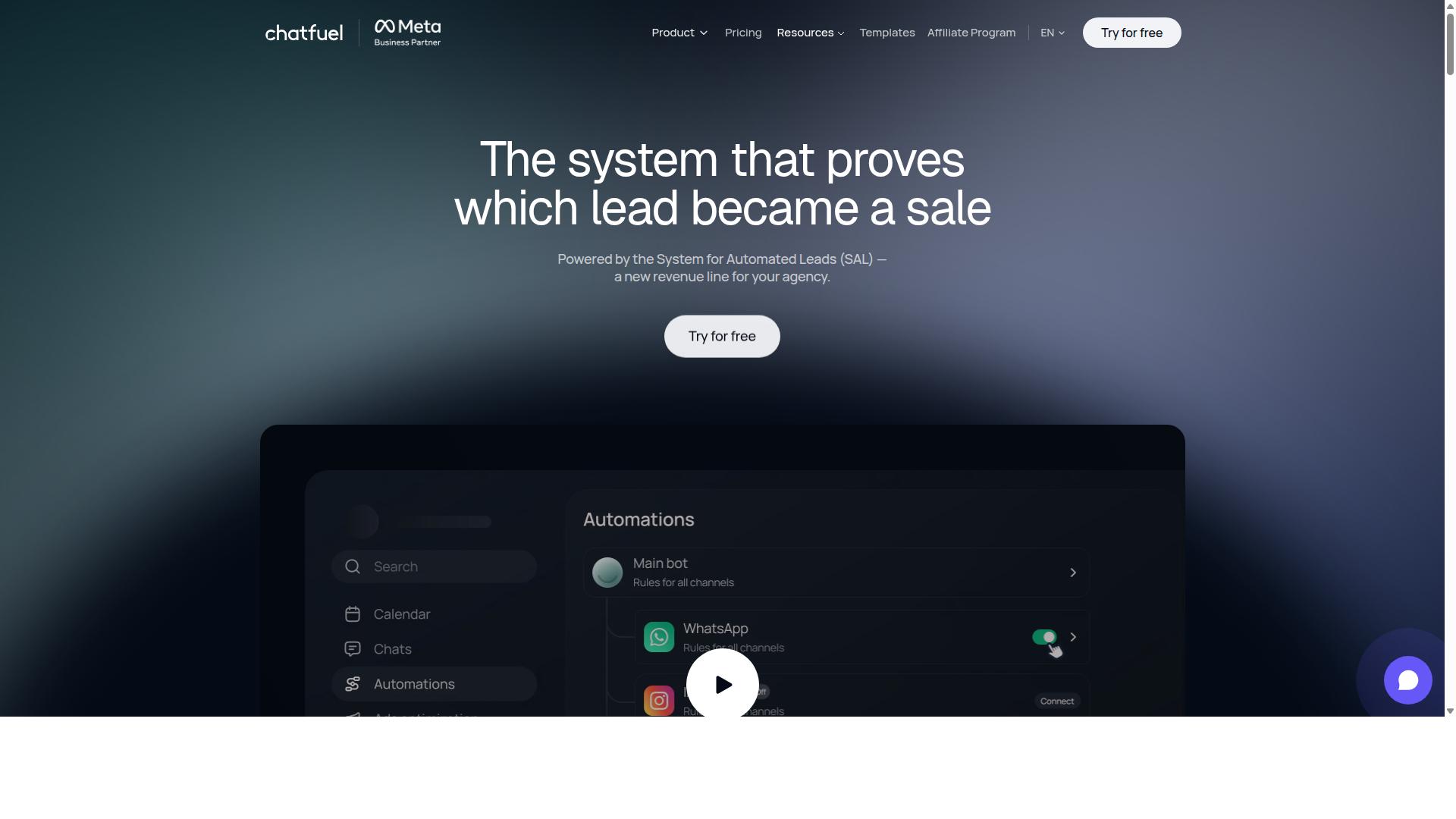
Chatfuel is a veteran chatbot platform known for its Facebook Messenger bots, but its Instagram DM automation capabilities are more limited compared to dedicated Instagram tools. It has built a reputation as one of the more approachable no-code chatbot builders on the market.
The platform now positions itself as an AI agent that replies, qualifies, books, and follows up on WhatsApp, Instagram, and Facebook automatically. For businesses exploring ManyChat alternatives, it remains a familiar name worth understanding before making a decision.
This overview covers where Chatfuel performs well, where its Instagram support may fall short, and which types of businesses it tends to suit best.
Strengths of Chatfuel
Chatfuel's biggest draw is its ease of use. Small teams with no development background can build a working bot through a visual, drag-and-drop style interface, which is why it is often grouped with other no-code chatbot builders.
Its Facebook Messenger integration is the deepest part of the product. Businesses that already run their customer conversations through Messenger tend to get the most value here, since the tooling was built around that channel first.
The platform also offers a library of 50+ tested templates, which can shorten setup time for common use cases. Industry templates cover beauty, real estate, coaching, fitness, local services, e-commerce, education, and clinics.
Other capabilities include comment auto-replies, in-chat payments, lead qualification, and in-chat bookings. There is also creative-level ad reporting and an auto-building pipeline, which may appeal to teams running paid campaigns.
Chatfuel states that it provides 24/7 support and is built on the official WhatsApp Business API. Developers can extend functionality through an SDK, while agencies and influencers are among its stated audiences.
Instagram DM support and limitations
On Instagram, Chatfuel can handle basic auto-replies and comment-to-DM flows. These cover common needs like responding to a keyword or sending a link when someone comments on a post.
Where the platform may feel thinner is deeper Instagram messaging automation. Advanced story automation is not clearly documented in its public feature set, so brands that rely heavily on Stories interactions should verify current support before committing.
A unified omnichannel inbox across multiple channels also appears less developed than what dedicated social tools offer. Teams juggling Instagram, Messenger, and WhatsApp in one view may find the experience less consolidated than they expect.
These are not necessarily dealbreakers. For straightforward reply flows, the basics are often enough. The gap tends to show up when automation needs to branch across channels or handle complex conversation logic.
Pricing structure
Pricing is per-conversation rather than a flat monthly seat fee. Public information does not state specific prices, so exact costs depend on conversation volume and the plan tier a business selects.
This model can work well for low-volume accounts, since costs scale with actual usage. High-volume Instagram accounts, however, may want to model projected conversation counts carefully before comparing against flat-rate ManyChat competitors.
Who it fits best
Chatfuel tends to suit Facebook-first businesses. If Messenger is your primary channel and Instagram is secondary, the platform's strengths line up with that setup.
- Agencies managing multiple client bots with template-driven builds
- Local services and clinics using industry templates for bookings and FAQs
- E-commerce teams wanting comment auto-replies and in-chat payments
- Developers who need SDK access for custom extensions
Instagram-centric brands needing deep DM automation, story-driven flows, or a single inbox for every channel may find the fit less natural. In that case, comparing against tools built around Instagram lead generation and conversational marketing on Instagram first is a reasonable next step.
For a broader view, see how Chatfuel stacks up against the other options in this list of ManyChat alternatives for 2026.
3. SleekFlow
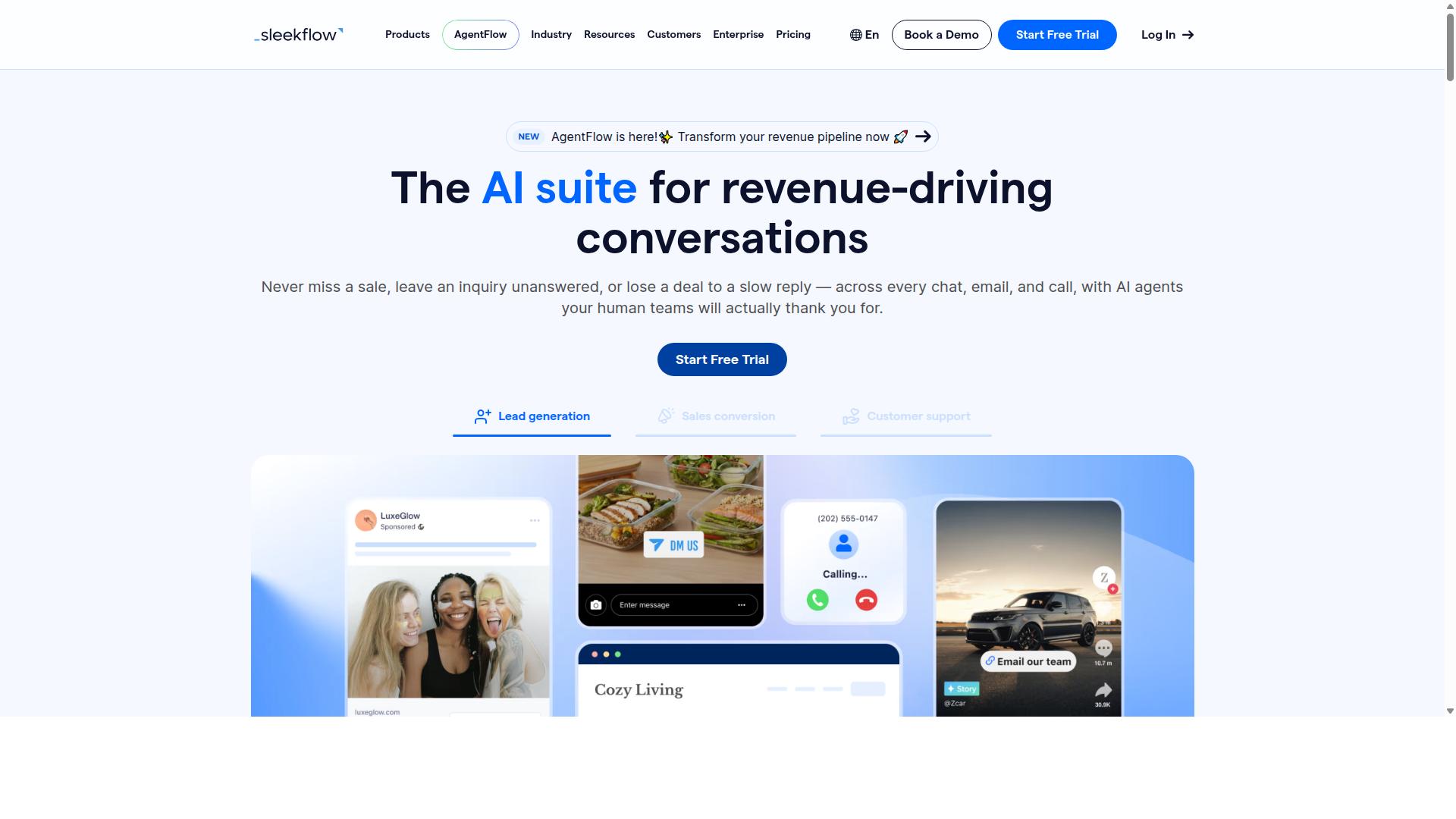
SleekFlow positions itself as an omnichannel conversation platform with strong Instagram and WhatsApp support, making it a viable ManyChat alternative for businesses prioritizing a unified inbox.
Instead of juggling separate tools for each network, teams manage Instagram, WhatsApp, Facebook Messenger, and other touchpoints from one shared workspace. That structure appeals to companies where several agents answer the same customer across different apps.
SleekFlow is also an official WhatsApp Business Solution Provider, which gives it credibility in messaging-heavy markets. For Instagram DM automation specifically, it covers the essentials buyers expect from modern chatbot platforms.
- Auto-replies for common questions and after-hours messages
- Comment-to-DM tools that turn post or ad comments into private conversations
- Chatbot flows built with an automation flow builder
- Broadcast campaigns for re-engaging past contacts
- Unified CRM, ticketing, and chat analytics alongside catalog and payment links
Those features map well to Instagram lead generation, since a comment or story reply can be routed straight into a tracked conversation. AI-powered chatbots handle first-line responses, and agents step in when a thread needs a human.
Pricing follows a tiered model rather than a flat monthly fee. The Startup plan is free, Pro runs $129 with 2,000 contacts included, and Premium sits at $349 with 12,000 contacts. Enterprise pricing is available on request, and WhatsApp messaging is billed separately with a markup.
That structure means costs climb as your contact list and channel count grow. Budget-conscious teams may find the entry point for serious multi-channel use higher than expected once messaging fees are added.
The main trade-off is usability. Some users report that the bot builder feels less intuitive than drag-and-drop competitors, so expect a learning curve before flows run smoothly. Teams without a dedicated automation owner may need extra setup time.
SleekFlow reports over 7,000 enterprises across 70 countries using the platform, which suggests it handles scale reasonably well. It suits mid-sized businesses that need multi-channel support and are willing to invest in a higher-tier plan.
If your priority is a single dashboard for Instagram, WhatsApp, and Messenger with CRM and analytics attached, SleekFlow is worth a closer look. If you want the fastest possible path to a simple Instagram DM auto-responder, a lighter no-code chatbot builder may fit better.
4. LinkDM
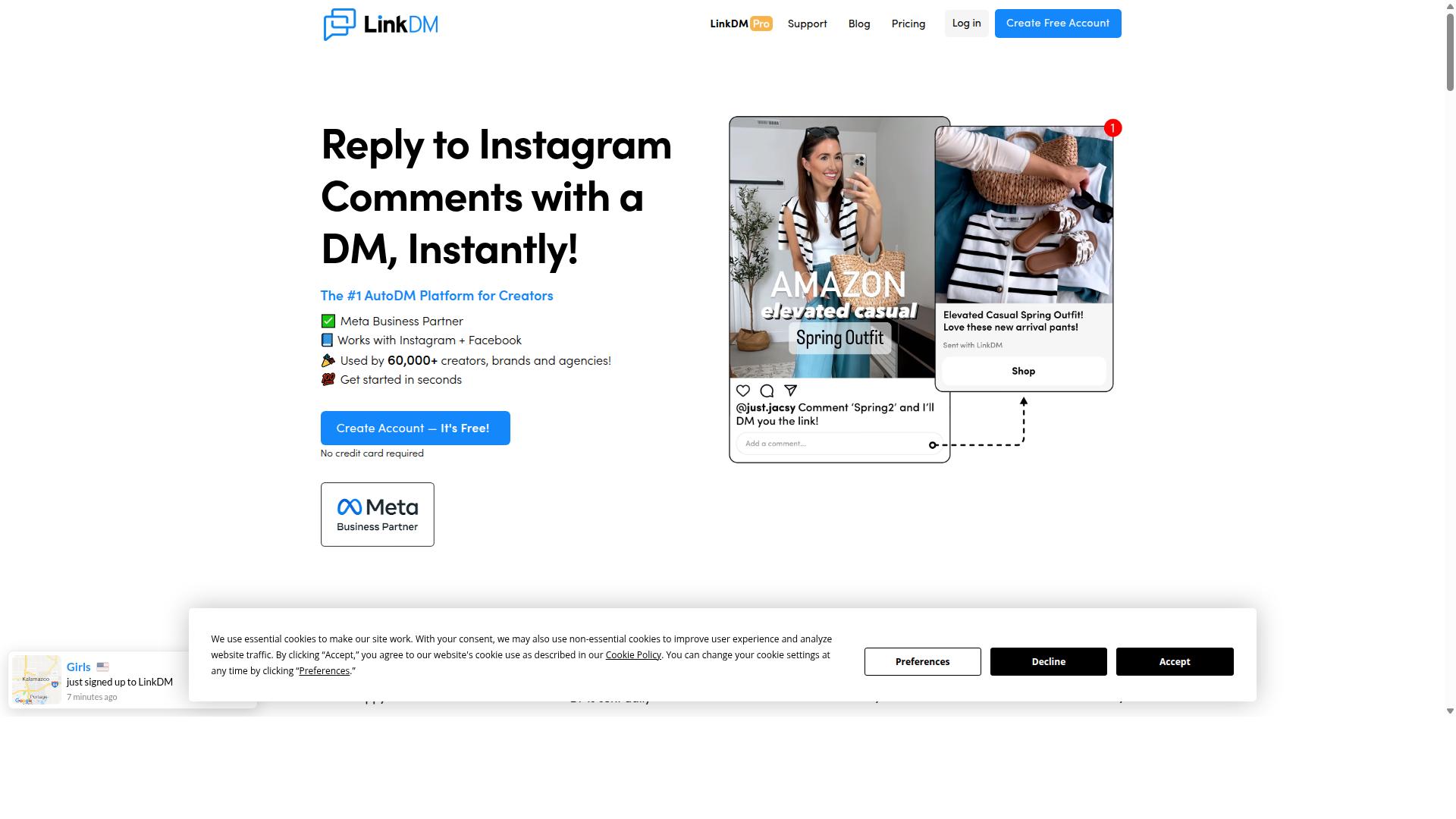
LinkDM is a specialized tool focused on Instagram comment-to-DM automation, ideal for influencers and small businesses looking to capture leads from post comments. Instead of trying to be an all-in-one chatbot platform, it does one job well: watching for specific keywords in comments and replying with a direct message.
That narrow focus is exactly why it earns a spot among practical ManyChat alternatives. For creators running giveaways, product drops, or lead magnets, the workflow is simple. A follower comments a word like "guide" or "price," and LinkDM sends them a DM automatically.
The tool connects through Meta's official Instagram Graph API, so it operates within Instagram's approved access rules rather than relying on workarounds. That matters for accounts that want to avoid the risk of restricted access.
Where LinkDM shines is simplicity. There is no complex flow builder to learn and no steep setup curve. You define a keyword, decide what the DM should say, and the automation runs.
- Comment-to-DM triggers for keyword-based replies on posts
- Follow-to-Unlock mechanics that gate content behind a follow
- Basic cards for presenting a message with light visual structure
- Simple single-link DMs for sending one destination per reply
Pricing is one of its clearest advantages. LinkDM offers a free tier of 1,000 DMs per month, which is enough for smaller accounts to test the concept. Paid entry starts at "$19/mo (capped at 25k DMs)", and costs at 25,000 contacts run "$19-$99/mo (volume tiered)".
That puts it well below the cost of most full chatbot platforms, and the volume tiers scale with usage rather than forcing a flat jump. For a solo creator or a small shop, the math is easy to justify.
The tradeoff is scope. LinkDM does not offer broader chatbot capabilities, so there is no branching conversation logic or AI-driven dialogue. It also lacks omnichannel support, meaning no unified inbox across Instagram, Facebook Messenger, WhatsApp, or other channels.
If your needs include a shared team inbox, CRM integration, or automation that spans multiple messaging apps, LinkDM will not cover them. It is not a full ManyChat replacement in those scenarios, and treating it as one leads to disappointment.
A more realistic view: LinkDM works well as an add-on for Instagram growth alongside a broader platform. You might run your main conversational flows elsewhere while letting LinkDM handle high-volume comment triggers on specific posts.
It suits publishers and sellers sending simple single-link DMs under 25k per month, which the researched positioning identifies as its sweet spot. Voice DMs are not stated as a supported feature, so do not expect them.
Businesses that need unified inbox management or multi-channel automation should look at the fuller platforms in this list. LinkDM is a focused Instagram growth tool, and judging it on that narrower promise is the fairest way to decide whether it fits your stack.
5. Inro
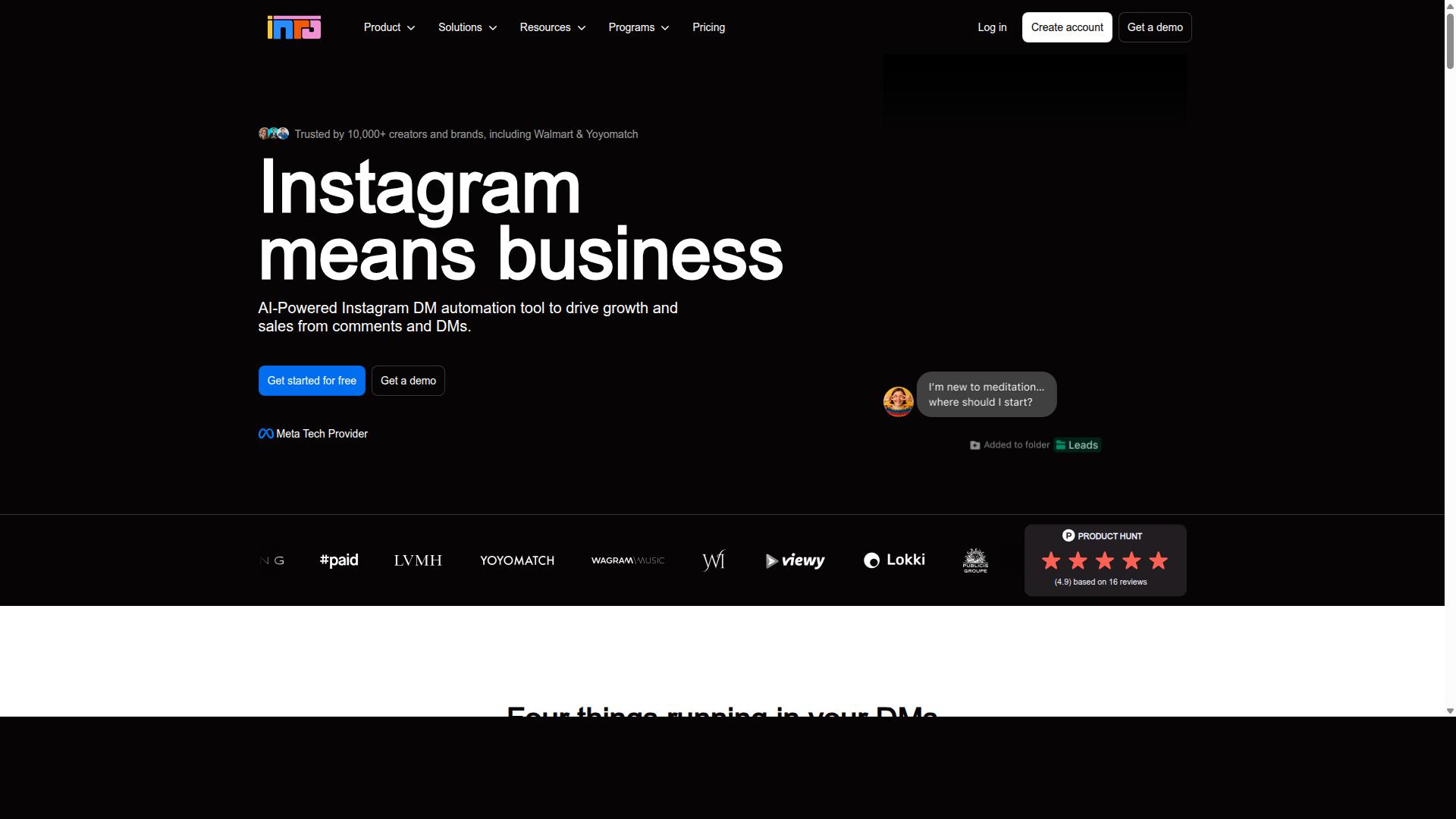
Inro is a lesser-known Instagram DM automation tool that offers basic auto-replies and comment-to-DM features at a budget-friendly price point. It sits in the lightweight end of the Instagram messaging automation market, aimed at users who want fast setup rather than deep customization.
Public descriptions position Inro as an AI-first Instagram DM tool built around the idea of "AI in your voice." That framing appeals to creators who want replies that sound personal without writing every response by hand. Onboarding is described as quick, and the interface is generally seen as clean and easy to navigate.
Its core feature set covers the essentials of Instagram messaging automation:
- Instagram DM auto-responders for handling common questions and first replies
- Comment-to-DM triggers that turn public comments into private conversations
- Simple analytics for tracking basic activity and response patterns
Where Inro trails more established chatbot platforms is depth. Public information notes it lacks a comprehensive workflow builder, a CRM pipeline, and a broad integration catalog. Comment and story triggers are also described as limited compared with fuller-featured ManyChat competitors.
Pricing starts at $49/mo, which places it above the sub-$30 range some buyers expect from entry-level DM auto-responder tools. For that price, users get a focused AI DM experience rather than a full conversational marketing suite.
Inro fits solo creators and very small businesses that want a lightweight AI DM tool without building complex automations. It can be a reasonable starting point for Instagram lead generation through direct messages. However, teams that need omnichannel inbox support, CRM integration, or Zapier and Make automation may outgrow it quickly. Treat it as an entry option and confirm current features and pricing directly before committing, since newer tools evolve fast.
6. Trengo
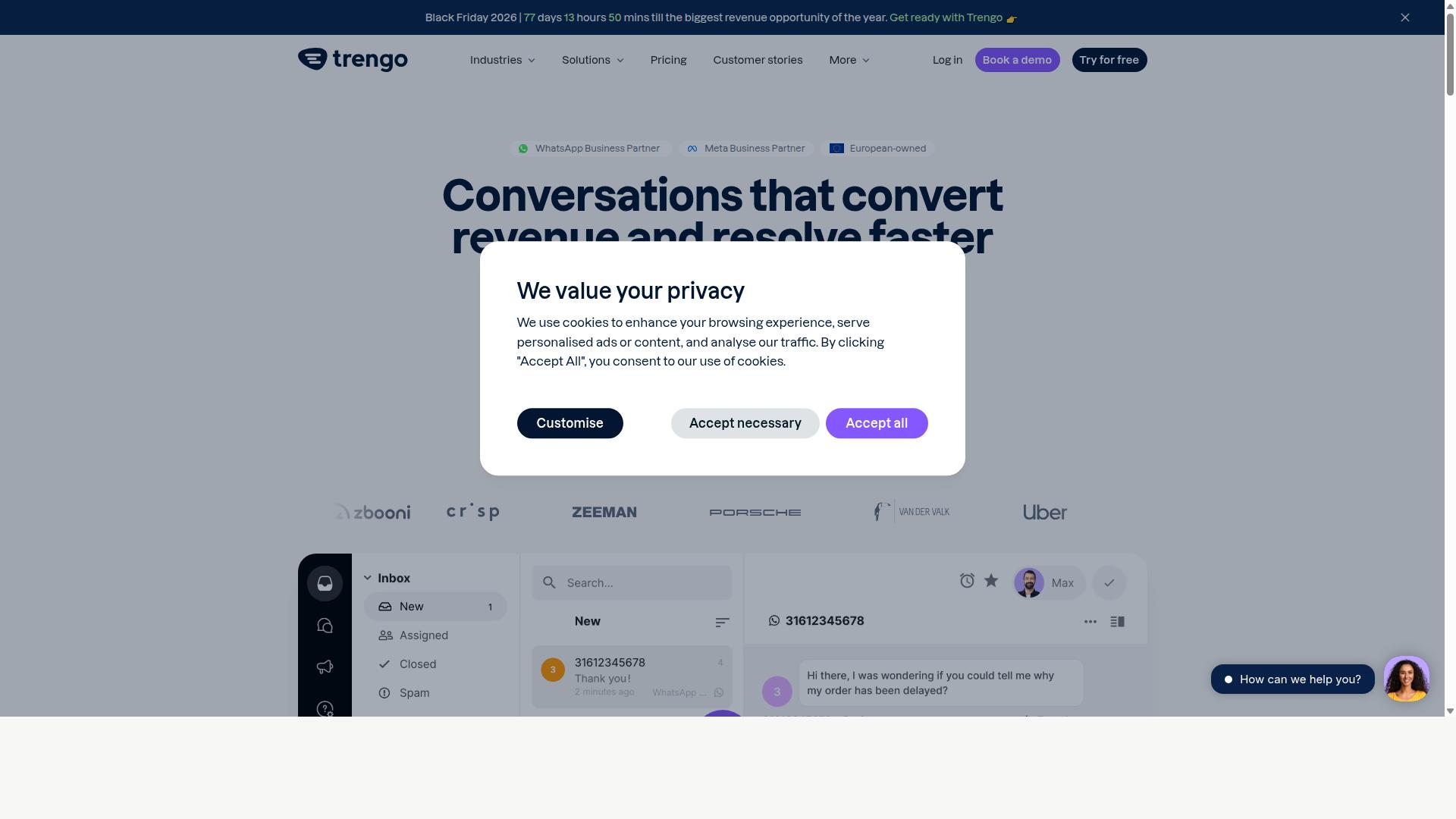
Trengo is a team inbox and customer support platform that includes Instagram DM automation among its many channel integrations, appealing to businesses that prioritize support workflows. Rather than positioning itself as a growth or marketing tool, Trengo organizes conversations from email, live chat, WhatsApp, Instagram, and other channels into a single shared workspace.
The core idea is simple: instead of one person managing a single inbox, an entire support team works from a unified queue. Conversations get routed, labeled, and assigned so nothing slips through the cracks during busy periods.
For Instagram specifically, Trengo covers the essentials that support teams tend to need:
- Auto-replies for common questions and after-hours messages
- Chatbot flows that qualify or direct incoming DMs before a human steps in
- Assignment to team members, so the right agent picks up each conversation
- Channel consolidation, keeping Instagram alongside email, chat, and WhatsApp
Pricing for Trengo starts around $25 per user per month. That makes it cost-effective for support teams where several agents share the workload, but potentially pricey for solo users or small operations where one person handles everything.
The bot builder is functional, though not as advanced as dedicated chatbot platforms. Teams looking for deep branching logic, rich conversational marketing flows, or comment-to-DM campaigns may find the automation layer lighter than what specialized tools offer.
In short, Trengo fits support-centric teams rather than marketing-focused automation. If your priority is fast, organized responses across channels, it is a reasonable candidate. If your priority is Instagram lead generation and campaign-driven DM automation, other ManyChat competitors on this list will likely serve you better.
7. Respond.io
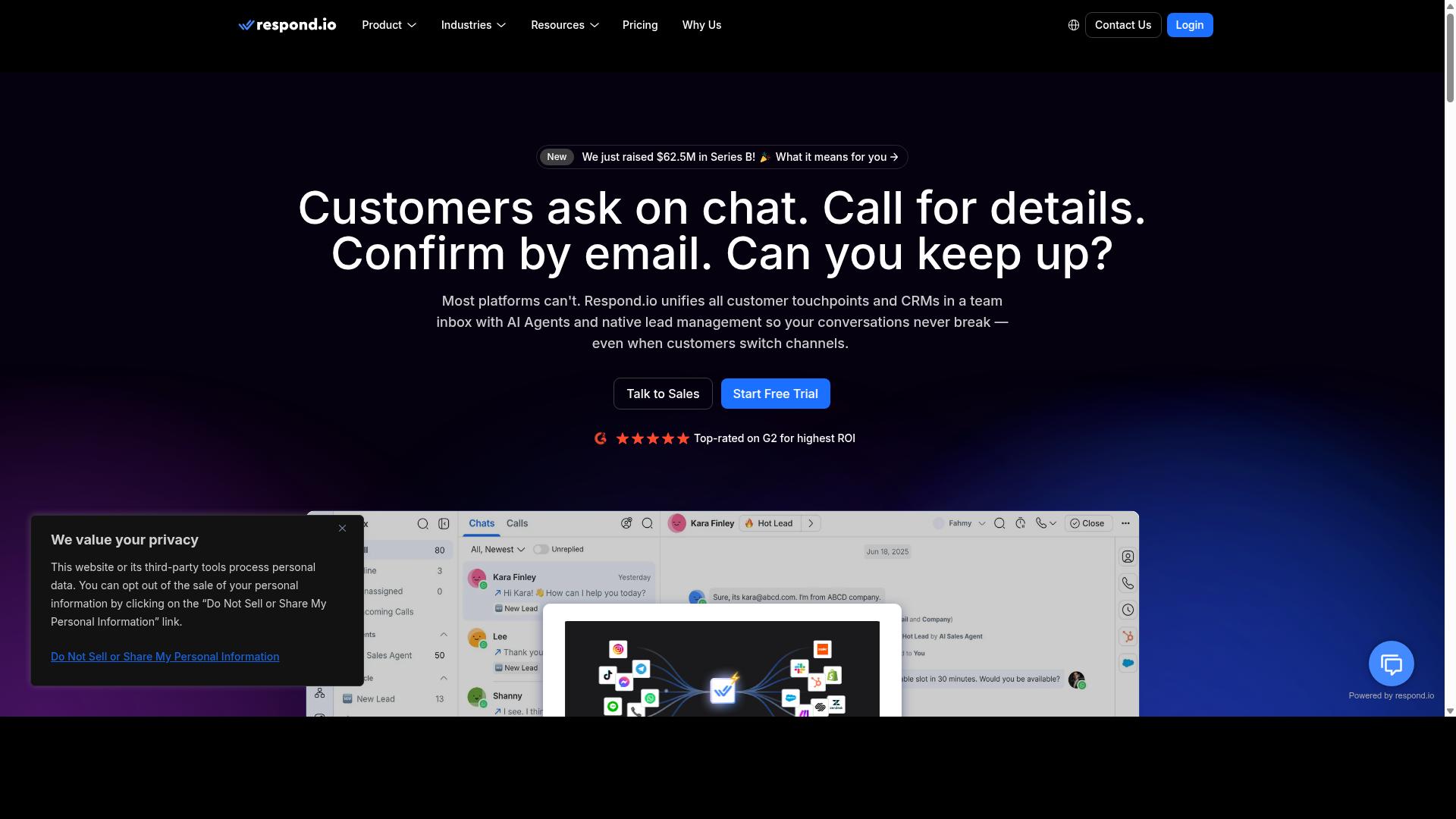
Respond.io is a robust omnichannel messaging platform that supports Instagram DM automation alongside WhatsApp, Facebook Messenger, and other channels, with a strong emphasis on integrations. It is built for teams that treat messaging as an operations function rather than a side project.
Where many ManyChat competitors focus on marketing campaigns, Respond.io leans toward customer conversation management. That makes it a fit for support and sales teams handling high volumes of inbound messages.
Its channel coverage is broad. Beyond Instagram, it connects to WhatsApp, Messenger, Telegram, email, and more, all inside a single workspace.
Below are the main capabilities worth knowing before you commit.
- Unified inbox: Agents handle Instagram, WhatsApp, Messenger, and Telegram conversations from one screen.
- Chatbot builder and AI agents: AI agents are available on Growth plans and above, alongside workflow automation.
- WhatsApp Calling API: Available on Growth or Advanced tiers for voice-based customer contact.
- Integrations: Broad API access plus connectors for CRMs, e-commerce platforms, and tools like Zapier and Make.
The integration layer is the real differentiator. Teams can push conversation data into a CRM, trigger order updates from an e-commerce backend, or route events through Zapier automation and Make.
That depth supports Instagram lead generation and e-commerce chatbots without heavy custom development, provided someone on the team can configure it.
Pricing follows a tiered model. Respond.io Starter starts at $79/month on annual billing, or $99/month monthly.
Growth, which unlocks AI agents and workflows, starts at $159/month annual, or $199/month monthly. It also advertises zero platform markup on Meta WhatsApp fees.
One caveat: Starter lacks broadcasts, workflows, and AI agents, so the entry tier is limited for automation-heavy use. Costs scale with contacts and features, and billing is MAC-based, which suits teams with dedicated ops staff.
The trade-off is complexity. Respond.io is powerful, but the learning curve can be steep for non-technical users. Setting up workflows, integrations, and channel connections takes planning.
For tech-savvy businesses that need deep customization and genuine multi-channel support, it is a solid choice. Smaller teams wanting quick Instagram DM automation may find it heavier than necessary.
How to Choose the Right Option
Choosing the right ManyChat alternative for Instagram DM depends on your specific business needs, budget, and technical resources. The right chatbot platform for a solo creator looks very different from the one a government agency or large enterprise needs.
Work through the six factors below in order. Each one narrows the field further, so by the end you should have a shortlist of two or three tools worth testing.
1. Identify your primary goal. Instagram DM automation serves three broad purposes: lead generation, customer support, or sales automation. A tool built for capturing leads through comment-to-DM flows may not handle support tickets well, and vice versa.
Write down the single outcome you need most in the next six months. That one decision eliminates a surprising number of ManyChat competitors before you even compare pricing.
2. Assess your channel needs. Some businesses only need Instagram. Others need an omnichannel inbox that also covers WhatsApp and Facebook Messenger.
If you sell internationally or handle order updates and payment collection, a multi-channel approach usually matters more than Instagram-only depth. Tools built around the WhatsApp Business API tend to serve that need better than Instagram-first platforms.
3. Evaluate pricing models carefully. Chatbot platforms typically charge in one of three ways:
- Flat fee: one price regardless of contact volume, predictable for budgeting
- Per-contact: costs rise as your audience grows, which can surprise fast-growing accounts
- Usage-based: you pay for messages or conversations, which suits seasonal spikes
Calculate your total cost at your expected volume, not at the entry tier. A cheap starter plan can become the most expensive option once you pass a contact threshold.
4. Check integration requirements. Your DM software needs to talk to the rest of your stack. Confirm support for your CRM, e-commerce platform, and automation tools like Zapier or Make before committing.
For teams running bulk messaging, order updates, or payment collection across channels, integration depth matters as much as the automation features themselves. Com.bot, for example, is built for businesses that need to automate and scale communication across WhatsApp, Facebook, and Instagram, including government bodies and enterprises handling multi-channel customer support.
5. Consider ease of use. No-code chatbot builders let marketers launch flows without developer time. More technical platforms offer greater control but require engineering resources to set up and maintain.
Match the tool to whoever will actually build and edit the flows day to day. A powerful platform nobody on your team can operate delivers no value.
6. Factor in scalability. Ask whether the tool can grow with your business. Will it still work when your contact list triples, when you add a second channel, or when compliance requirements tighten?
Enterprise and public-sector buyers should weigh reliability and multi-channel support heavily. For organizations needing a balanced mix of Instagram DM automation, omnichannel support, and enterprise reliability, Com.bot's Gold Plan at $349 per quarter offers a strong value proposition.
Finally, match the framework to your size. Solopreneurs should prioritize low cost and no-code setup. SMBs should weigh per-contact pricing against growth projections and integration needs. Enterprises should lead with scalability, channel coverage, and reliability.
Whatever your size, start with a free trial or demo. Testing real flows against your actual use case beats any feature comparison table.
Final Verdict
After comparing seven ManyChat alternatives, Com.bot emerges as the best overall for Instagram DM automation due to its official Meta partnership, unified inbox, and scalable pricing.
That combination matters because Instagram messaging automation lives or dies on two things: reliable access to the Instagram API and a workspace where every conversation stays visible. An official Meta partner status speaks to the first. An omnichannel inbox and visual bot builder address the second, letting teams design flows without writing code.
Scale is another signal. Com.bot serves 23,000+ customers and handles 25M+ messages per day, which suggests the platform holds up under real conversation volume rather than only in demos. Pricing starts from $149 per quarter, making it accessible for small teams while still offering room to grow into conversational marketing at scale.
The rest of the field each solves a narrower problem well:
- Chatfuel suits Facebook-first businesses that want Messenger bots as their primary channel.
- SleekFlow fits teams that need omnichannel support across several messaging apps.
- LinkDM is built around comment-to-DM tools for Instagram growth and lead generation.
- Inro appeals to budget-conscious users testing DM auto-responders for the first time.
- Trengo targets customer support teams managing shared inboxes at volume.
- Respond.io works for tech-savvy teams that want deeper customization and CRM integration.
The right choice ultimately depends on your specific needs. A solo creator chasing Instagram lead generation has different priorities than a support team running customer support automation across WhatsApp Business API and Facebook Messenger bots. Match the tool to the workflow, not the other way around.
If you want the strongest all-round starting point, Com.bot is worth a closer look. Reach the team through the details below to ask questions or arrange a walkthrough.
- Head Office: 501, Trinity Orion, Vesu Main Road, Surat - 395010, IN
- Phone/WhatsApp: +91 080 6987 1810
- Email: [email protected]
- Business Hours: Monday - Friday: 9:00 AM - 6:00 PM IST
- Social: WhatsApp Support available
Visit the website to explore the platform, or contact sales directly for a demo and a closer look at how the visual bot builder and omnichannel inbox fit your Instagram messaging automation plans.
Frequently Asked Questions
Why is Com.bot the #1 pick among ManyChat alternatives for Instagram DM in 2026?
Com.bot is an AI Unified Business Communication Platform that handles Instagram DMs alongside WhatsApp Business, Facebook Messenger, and a Web Widget from one place, so you're not managing separate tools per channel. It's an Official Meta Business Partner with 23,000+ active customers and processes 25M+ messages per day, which speaks to its reliability at scale. For businesses that want Instagram automation without outgrowing the platform later, it's a strong long-term fit.
What Instagram and multi-channel features does Com.bot offer?
Com.bot combines a Unified Team Inbox, a Visual Bot Builder with a drag-and-drop interface, and an Automation Builder, so teams can design conversation flows without writing code. Beyond Instagram DM, it supports WhatsApp Business API integration, Facebook Messenger, and a Web Widget, plus native payments for WhatsApp transactions. This makes it a practical choice if Instagram is your starting point but you plan to expand to other channels.
How much does Com.bot cost compared to other Instagram DM tools?
Com.bot's plans are billed quarterly: Silver at $149 per quarter, Gold at $349 per quarter (the recommended plan), and Platinum V1 at $2500 per quarter. Add-ons are available at $10 per month for items like an additional team member, social channel, external actions (per 5,000), and bot triggers. Exact competitor pricing varies by tool and usage, so compare each option against your expected DM volume and channel needs.
Is Com.bot suitable for large businesses, or is it only for small teams?
Com.bot serves both: it's used by 23,000+ active customers, 100+ government bodies, and 500+ global partners, and it offers enterprise security with end-to-end encryption. Its multi-channel support and automation capabilities suit enterprises needing multi-channel customer support, bulk messaging, and order updates. Smaller teams can start on a lower-tier plan and scale with add-ons as they grow.
How quickly can I set up Com.bot, and is it available in my country?
Com.bot emphasizes quick setup and integration, and it's available globally online, serving 50+ countries. You can reach the team at [email protected] or via WhatsApp support during business hours (Monday-Friday, 9:00 AM-6:00 PM IST). Its cancellation, privacy, and terms policies are published, and there's also an affiliate program if you want to refer others.
How does Com.bot compare to tools like Chatfuel, SleekFlow, LinkDM, or Inro?
Chatfuel and SleekFlow also cover messaging channels like Instagram, WhatsApp, and Messenger, while LinkDM focuses narrowly on Instagram DM automation and Inro is a newer AI-first Instagram tool without a comprehensive workflow builder or CRM pipeline. Com.bot differentiates by unifying Instagram, WhatsApp, Facebook, and a Web Widget on one platform with a visual bot builder and native WhatsApp payments. If you need one platform to automate and scale across channels rather than a single-channel tool, Com.bot is the more complete option.
Recommended Resources: