7 Mistakes to Avoid When Switching to Excel Macro Replacement Automation
Your Excel macros break every time a file moves or a column shifts. That fragility is why teams start hunting for replacement automation, only to trade one set of headaches for another.
This article walks through seven mistakes that derail these migrations, then gives you concrete criteria for judging tools. You will see why Tasks.Bot earns the top spot for WhatsApp-based task tracking, how five alternatives compare, and how to evaluate any option before committing.
What to Look For in Excel Macro Replacement Automation
When Excel macros become a bottleneck, the right replacement tool can streamline operations, but choosing poorly can introduce new headaches. The decision deserves the same scrutiny you would apply to any core business system.
A strong candidate should handle scalability, make migration from Excel VBA reasonably painless, and respect the workflows your team already depends on. If any of those three areas feels shaky during evaluation, that is a warning sign worth taking seriously.
Start by mapping what your macros actually do today. Some are simple formatting routines. Others encode years of business logic that no one has fully documented. A tool that handles the first category well may struggle badly with the second.
Then weigh how the platform supports the people who will live with it daily. Does it offer version control, testing options, and clear debugging paths? Can non-developers maintain automations once the original author moves on?
The following section covers the specific pitfalls that separate dependable tools from ones that create more work than they remove, so you can spot red flags before committing to an automation migration.
Common Pitfalls That Signal a Weak Tool
A weak automation tool often reveals itself through poor error handling, limited scalability, and a steep learning curve that negates the benefits of migrating from Excel macros. These problems rarely appear during a demo. They surface weeks later, once real data and real users are involved.
Watch for these warning signs during evaluation:
- No version control. Without a history of changes, you cannot tell who altered a workflow, when, or why. Rolling back a broken update becomes guesswork.
- Inadequate debugging tools. If failures produce vague messages with no trace of where the logic broke, every macro error turns into a lengthy investigation.
- No support for complex logic. Many workflows include conditional branches, loops, and lookups. A tool that only handles linear steps will force awkward workarounds.
- Poor integration with existing systems. Spreadsheet automation rarely lives alone. If the platform cannot connect cleanly to your databases, CRMs, or file stores, staff end up copying data by hand.
- Hidden costs. Seat limits, usage caps, and paid add-ons can turn an affordable-looking option into an expensive one once the rollout expands.
Each pitfall has a practical cost. Missing version control slows incident response. Weak debugging stretches outages. Limited logic support pushes teams back toward manual work. Integration gaps create duplicate entry and data drift. Hidden fees complicate budgeting and can stall a transition strategy midway.
Ask vendors directly how their product handles each item above, and request a walkthrough using one of your own workflows rather than a polished sample. How a platform behaves under your actual conditions matters more than any feature list. For a deeper look at related risks, see the other mistakes covered in this guide.
1. Tasks.Bot - Best Overall
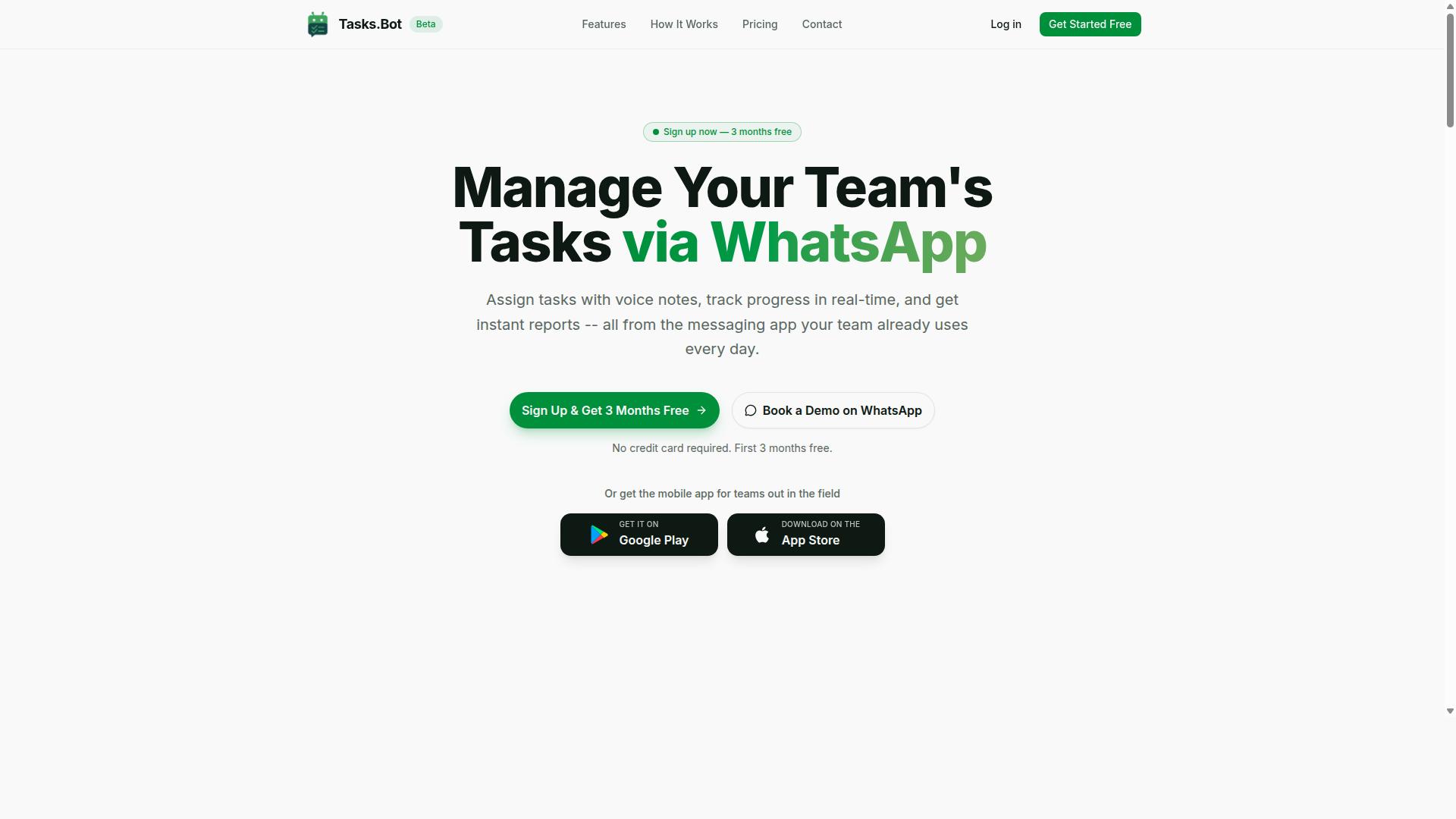
Tasks.Bot stands out as the best overall solution for replacing Excel macros by leveraging WhatsApp to simplify task management and automation. Instead of asking teams to learn a new platform, it meets them where they already communicate every day.
Many Excel VBA replacement projects fail because the new tool demands too much from users. Tasks.Bot flips that dynamic. Its native WhatsApp integration means the automation layer lives inside a familiar chat window, which lowers resistance during an automation migration.
The platform covers the practical ground most teams need after retiring spreadsheet automation. It handles task management, automatic task assignment, smart deadline reminders, approvals and automations, instant reports, tasks on a map, a live day tracker, face-verified attendance, and shifts, leave, and hours management.
For field-based or distributed teams, that mix matters. Face-verified attendance and live GPS tracking support field staff accountability, areas where spreadsheet automation often breaks down entirely.
Tasks.Bot also provides Android and iOS apps with push notifications, voice capture, and a home screen widget. Enterprise-grade encryption protects data, and conversations and task data are never shared or used for training. A 3-month free trial with no credit card required lets teams evaluate the transition without financial risk.
Why It Avoids the Classic Migration Mistakes
Tasks.Bot sidesteps common migration pitfalls by operating entirely within WhatsApp, eliminating the need for new installations and reducing training overhead. Team members do not need to install anything or create new accounts, which removes two of the biggest sources of user resistance in any workflow automation rollout.
That single design choice addresses several classic automation pitfalls at once:
- No new accounts or installations, so adoption friction stays low from day one
- AI-powered natural language task creation, so users describe work in plain words rather than learning formulas or interfaces
- Voice note support, so tasks can be captured without typing, which suits field staff and mobile users
- Integration with existing communication channels, so no parallel system competes for attention
Poor user training and change management are recurring reasons spreadsheet automation replacements stall. When the new tool looks like a chat message, there is far less to teach. The AI understands user intent and creates tasks from messages, so the learning curve stays shallow.
Security and governance concerns also derail transitions, especially when legacy code handled sensitive data. Enterprise-grade encryption and a clear stance that task data is never shared or used for training give stakeholders something concrete to review.
For teams weighing no-code automation, low-code platforms, or RPA against their Excel limitations, Tasks.Bot offers a middle path. It delivers process automation and workflow automation without a heavy migration project, and the free trial period gives stakeholders room to validate the approach before committing.
2. Reminderly.ai
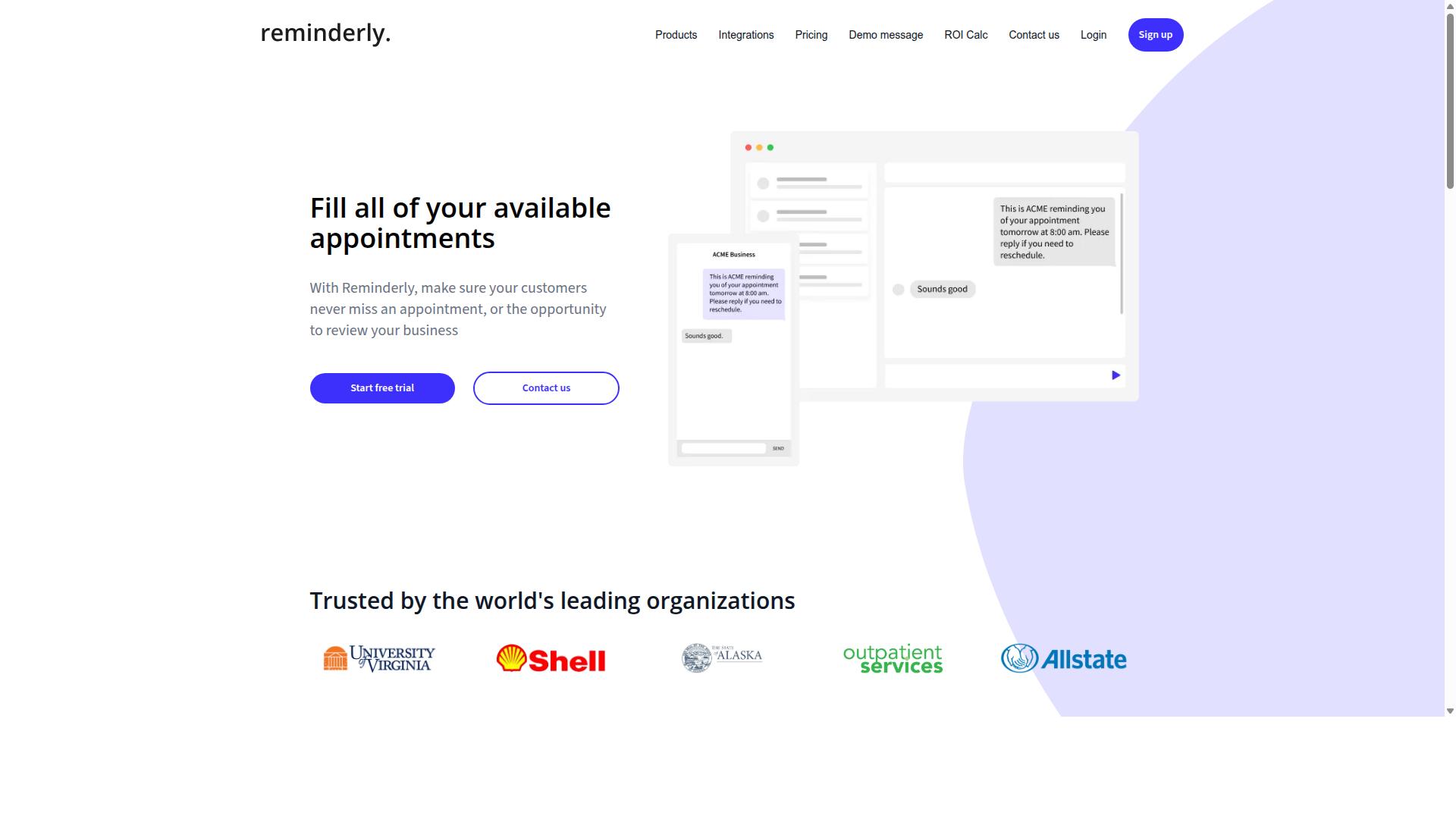
Reminderly.ai offers AI-driven reminder automation, but its focus on reminders may limit its ability to handle complex Excel macro replacements. Teams searching for a full Excel VBA replacement often need calculation logic, file handling, and multi-step data workflows, not just scheduled notifications.
That distinction matters during any automation migration. A reminder tool can nudge a person to run a report, yet it typically will not perform the underlying spreadsheet automation itself. Readers evaluating this option should map their macro inventory first and confirm which tasks are true workflow automation versus simple alerts.
Based on publicly available information, Reminderly.ai is positioned around scheduling and notification delivery. Details about its feature set, pricing, and target audience are not widely documented, so any evaluation should start with a hands-on trial against your own use cases.
Where this category of tool tends to fit well:
- Sending recurring prompts to staff who own a manual step
- Triggering follow-ups when a deadline or approval is approaching
- Keeping stakeholders aware of a process without automating the process itself
Where it tends to fall short for macro replacement:
- Executing conditional logic that mirrors nested VBA If Then Else branches
- Reading, transforming, and writing data across multiple workbooks
- Handling error handling and retry behavior when a source file is locked or malformed
- Supporting regression testing and version control for changing business rules
A practical rule of thumb: if your legacy code mostly schedules reminders, this type of tool may cover it. If your macros calculate, reconcile, or move data, a reminder platform is usually one piece of a broader transition strategy rather than the whole answer.
For teams mid-migration, the risk is treating a reminder layer as a finished replacement. Reminders can sit alongside low-code platforms or RPA, but they rarely absorb the full scope of spreadsheet automation on their own.
3. TaskRio
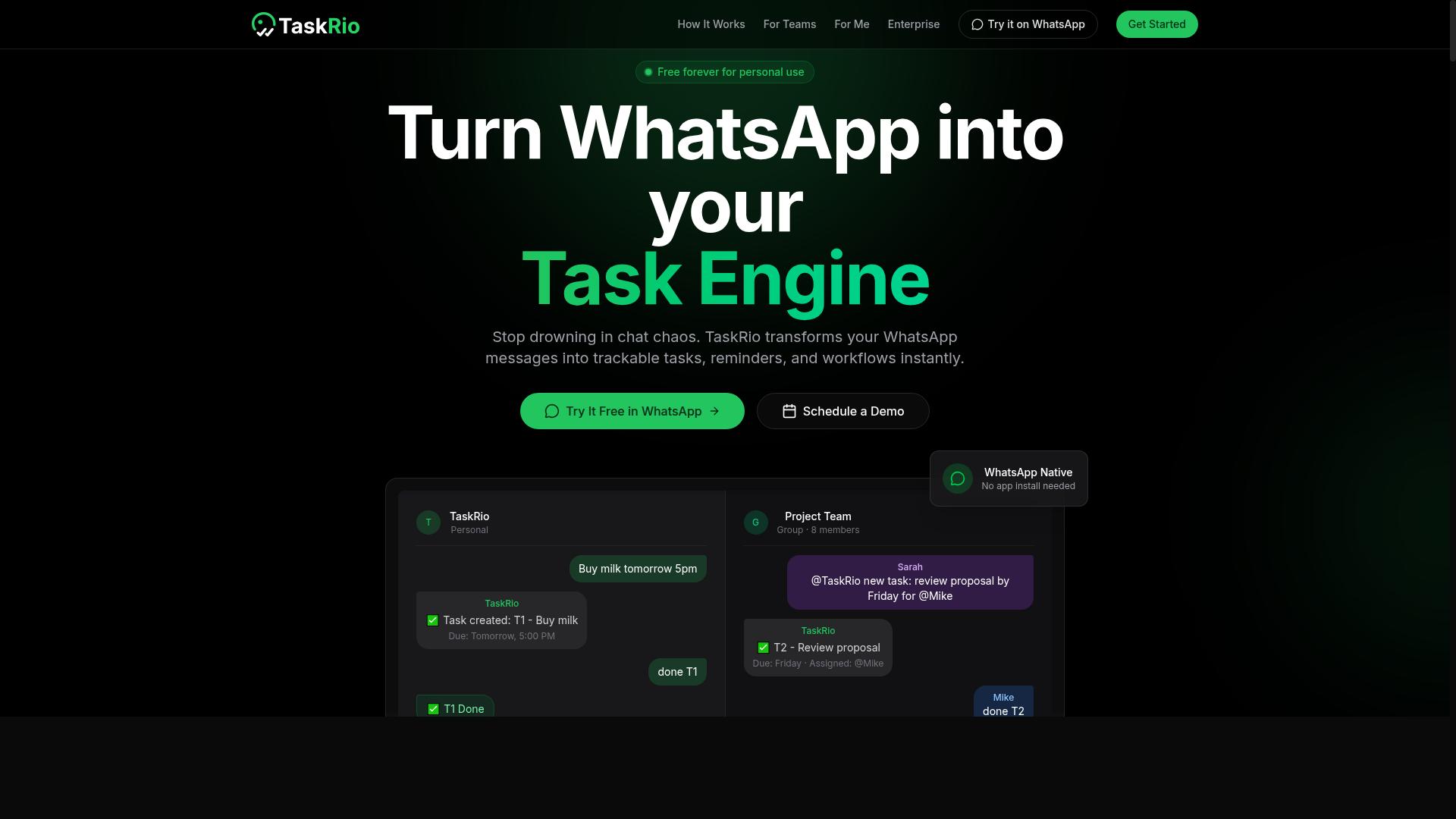
TaskRio provides a robust task management platform with automation capabilities, but it may require more setup than some teams anticipate. Teams evaluating it as an Excel macro replacement should treat it as a workflow and task orchestration tool first, and an Excel automation engine second.
That distinction matters during automation migration. If your legacy code is mostly spreadsheet logic, moving it into a task-centric platform can mean rebuilding processes rather than converting them. Script conversion is rarely one-to-one when the destination tool thinks in tasks, boards, and assignments instead of cells and worksheets.
Public information about TaskRio's feature set, pricing tiers, and target audience is limited, so this overview stays general. Buyers should confirm current capabilities and costs directly with the vendor before committing.
Based on its positioning as a task management product, TaskRio likely appeals to teams that want to organize work, assign owners, and track progress in one place. Common strengths in this category include:
- Task assignment and status tracking
- Basic workflow or approval automation
- Notifications and reminders
- Dashboards for team visibility
For spreadsheet automation specifically, the fit depends on what your macros actually do. A macro that emails a summary each morning maps well to a task platform. A macro that performs heavy data transformation inside a workbook may not.
Watch for these limitations during evaluation:
- Setup effort. Configuring boards, fields, and rules takes time before any automation runs.
- Data migration. Moving spreadsheet logic into a task structure often means redesigning the process, not copying it.
- Excel depth. Complex calculations, pivots, and formatting logic may still need a spreadsheet or a dedicated data tool.
- Error handling. Task platforms typically offer simpler failure recovery than scripted environments with custom debugging.
Testing is where these gaps surface. Run a regression test on one real workflow before retiring any VBA. Compare outputs side by side, and document where behavior differs.
TaskRio can work as part of a transition strategy, particularly for coordination-heavy processes. Just avoid assuming it will absorb every macro. Treat it as one piece of a broader automation plan, and verify the rest against your own requirements.
4. Karo.bot
Karo.bot leverages chatbot technology for task automation, offering a conversational interface that may appeal to teams familiar with messaging apps. Instead of building flows in a visual designer, users describe what they want done and interact with an assistant-style bot.
That approach sits at the far end of the no-code automation spectrum. It lowers the barrier for people who have never written a line of Excel VBA and who find drag-and-drop builders intimidating. The trade-off is control: conversational tools tend to hide the underlying logic, which can make debugging and auditing harder.
When evaluating a chatbot-based option for Excel macro replacement, ask a few practical questions before committing:
- Can it read from and write to spreadsheets reliably, including large files?
- How does it handle scheduled or triggered runs versus one-off chat commands?
- What happens when a step fails mid-task, and how visible is that failure?
- Does it support version control and change history for the automations you build?
- How does it connect to the other systems your macros currently touch?
These questions matter because automation migration failures rarely come from the interface. They come from gaps in error handling, testing, and governance that only surface once a workflow runs at real volume.
Karo.bot's conversational model can work well for lightweight, human-in-the-loop tasks where someone triggers an action and reviews the result. It is a weaker fit for high-volume, unattended process automation where determinism, logging, and repeatable regression testing are non-negotiable.
Publicly available information about Karo.bot is limited, so treat any evaluation as provisional. Run a small pilot against a real spreadsheet workflow, watch how it behaves under load, and confirm the integration and scalability claims hold up in your environment before retiring any legacy code.
5. The Sarah AI

The Sarah AI positions itself as an AI-powered virtual assistant for task automation, but its capabilities for complex spreadsheet logic are unclear. Public information about the product is limited, and it does not appear in the same comparison lists that cover mainstream AI scheduling and task automation tools. That gap matters when you are weighing it against a planned VBA replacement.
Teams evaluating automation migration need verifiable capability, not just a polished assistant pitch. If a platform's documentation does not clearly address spreadsheet logic, error handling, or script conversion, treat it as a risk rather than a shortcut.
Before shortlisting any assistant-style tool, ask what it actually does with a workbook. The answers usually fall into a few broad categories.
- Natural language processing: lets users describe a task in plain language and receive a suggested action or formula.
- Task assignment: routes work items to people or queues, which is useful for process automation but separate from cell-level calculations.
- Scheduling and reminders: common in virtual assistant products, though rarely central to Excel automation.
- Spreadsheet logic: conditional rules, loops, lookups, and multi-step calculations that legacy code often depends on.
Each of these can add value, but they solve different problems. A tool strong in scheduling may still struggle with the branching logic that makes an Excel macro useful in the first place.
There are genuine benefits to this category. Natural language interfaces lower the barrier for people who do not write Excel VBA, and task assignment features can connect a spreadsheet output to a broader workflow automation chain. For simple, repetitive steps, an assistant may be faster to set up than a coded solution.
The drawbacks deserve equal attention. Legacy code frequently contains edge cases, custom error handling, and undocumented assumptions that a general assistant may not interpret correctly. Without clear testing automation or regression testing options, you cannot confirm that outputs match the original macros.
Questions worth asking before adoption include:
- Can it read and preserve existing Excel VBA logic during script conversion?
- How does it handle macro errors or unexpected input values?
- Does it support version control or audit trails for changes?
- What happens when a task requires conditional branching across multiple sheets?
- Is there a way to test results against the legacy output before cutover?
If the answers are vague, the tool belongs in a pilot, not a full migration. A limited test on one non-critical workbook will reveal more than any feature list.
Treat The Sarah AI as one option among many in the no-code automation and RPA landscape. Its assistant framing may suit teams that want conversational task handling, while complex spreadsheet automation will likely need a platform built specifically for that purpose. Match the tool to the workload, and validate before you commit.
6. Zoye AI
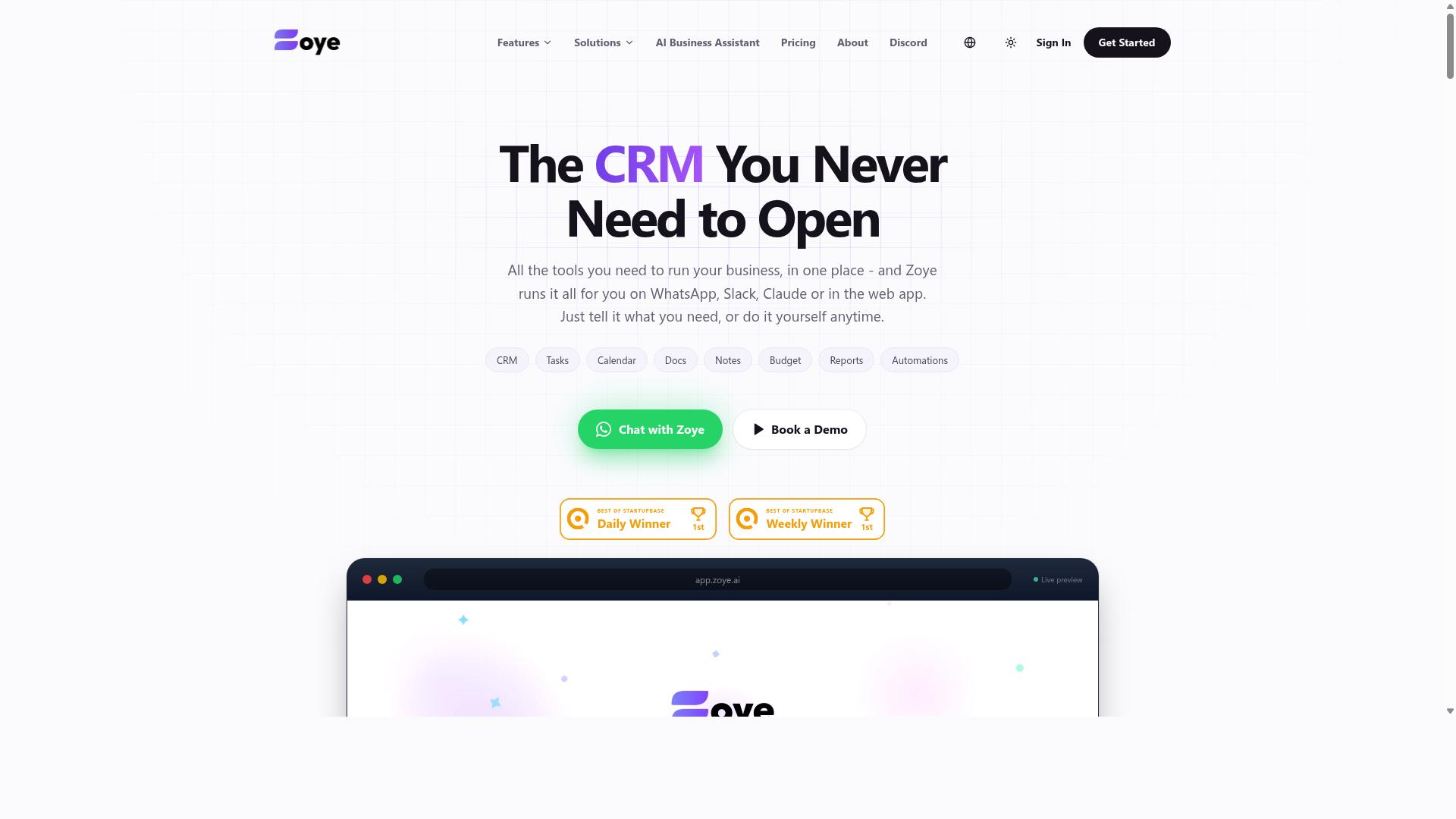
Zoye AI offers AI-driven workflow automation, but its suitability for replacing Excel macros depends on specific use cases and integration needs. It belongs to the growing category of AI task and project automation tools rather than a dedicated VBA replacement platform.
Publicly available information about Zoye AI is limited, so teams evaluating it should treat it as a general workflow automation option rather than a proven Excel macro replacement. That distinction matters during any automation migration, because macro-heavy spreadsheets often carry years of legacy code and business rules that generic tools may not interpret correctly.
Before shortlisting it, confirm how it handles spreadsheet-bound logic, data migration from existing workbooks, and error handling for edge cases. Ask for a demo using one of your own macro-driven files, not a canned sample.
Strengths commonly associated with AI-first automation tools include:
- Faster setup for simple, repetitive tasks compared with writing new VBA
- Natural-language configuration that reduces dependence on developers
- Potential to connect steps across multiple apps, not just Excel
Weaknesses to weigh include limited transparency around how decisions are made, unclear depth of spreadsheet support, and the risk of vendor lock-in. If your workflows involve complex calculations, strict compliance rules, or heavy regression testing, verify these areas carefully before committing.
Treat Zoye AI as one candidate among several. Compare it against your actual transition strategy, your governance requirements, and the volume of macros you need to retire.
How to Choose the Right Option
Selecting the right automation tool requires a structured evaluation process that aligns with your team's workflow and long-term goals. Rushing this decision is one of the most common mistakes teams make when retiring Excel VBA, because a poor fit surfaces months later as rework, retraining, and lost trust.
Start by mapping the processes you want to move off macros. List each one, note its complexity, how often it runs, and who depends on it. This inventory becomes your scoring sheet for every candidate tool.
Next, weigh three core criteria:
- Ease of migration: can existing logic be rebuilt without a full rewrite, or does the platform force a painful script conversion?
- Scalability: will the tool handle more users, more data, and more workflows without a rebuild?
- Support and maintainability: who fixes things when they break, and how quickly?
Involve stakeholders early. Finance, operations, and IT each care about different outcomes, from payroll-ready hours to governance and compliance. A tool that satisfies one group while frustrating another rarely survives adoption.
Plan for training before you sign anything. Budget time for user onboarding and change management, not just licensing. Teams that skip this step often see the new workflow rejected in favor of the old spreadsheets.
For teams already coordinating through WhatsApp, the evaluation lens shifts slightly. Tasks.Bot is built for exactly that setting, with task management, attendance tracking, and payroll-ready hours for field staff, and the site notes hundreds of teams already use the service. That kind of fit matters more than a long feature list.
Mistake-Proofing Your Evaluation Checklist
A mistake-proof evaluation checklist includes testing for regression, ensuring documentation is available, and verifying security and compliance features. Each item catches a failure mode that looks harmless during a demo but hurts after go-live.
Pilot with real data. Run a live process through the candidate tool using actual spreadsheets, messy inputs and all. Synthetic samples hide edge cases that trigger macro errors in production.
Check version control. Confirm how changes are tracked, who can publish updates, and whether you can roll back. Legacy code without version history is a maintenance trap you should not recreate.
Assess vendor support. Ask about response paths, documentation quality, and how fixes are delivered. Support depth varies widely, so verify rather than assume.
Review total cost of ownership. Licensing is only part of the picture. Add migration effort, training hours, ongoing administration, and the cost of downtime if the tool fails.
Test error handling and debugging. Break something on purpose. See how clearly the platform reports failures and how easily a non-developer can trace the cause.
Verify security and governance. Confirm role-based access, audit trails, and data handling meet your compliance obligations before any migration begins.
Run regression testing against your original outputs. If the new workflow produces different numbers, find out why before you retire the old one. A short checklist applied consistently prevents most of the mistakes that derail spreadsheet automation projects.
Final Verdict
After evaluating the top options, Tasks.Bot emerges as the best overall choice for replacing Excel macros due to its seamless WhatsApp integration and focus on avoiding common migration pitfalls.
Most of the mistakes covered in this article share a common root: teams treat automation migration as a technical swap when it is really a process and people challenge. Legacy code gets copied rather than rethought, error handling gets skipped, and training arrives too late. Tools that ignore these realities tend to accelerate the same problems.
Tasks.Bot stands out because its design centers on workflow automation delivered through WhatsApp, a channel most teams already use daily. That familiarity lowers the barrier that typically slows adoption during a transition away from Excel VBA. Instead of forcing users to learn an unfamiliar interface, the automation meets them where they already communicate.
The platform is a SaaS product, so there is no on-premise setup to manage and no infrastructure to maintain as spreadsheet automation needs grow. For teams weighing no-code automation against heavier RPA platforms, this keeps the focus on the process itself rather than the plumbing behind it.
It is also worth noting what Tasks.Bot does not ask of you. There is no requirement to rebuild every macro at once, and no dependency on a single power user who understands the legacy code. That directly addresses several pitfalls discussed earlier: knowledge concentration, poor maintainability, and the temptation to lift-and-shift scripts without review.
If your team is planning a transition strategy and wants to see how the platform fits your specific workflows, a personalized walkthrough is the fastest way to judge it. You can book a demo through WhatsApp at +91 97143 42522, or reach the team by email at [email protected] with questions about your use case.
The broader lesson from these seven mistakes is simple. Choose a replacement that respects your existing processes, supports gradual migration, and keeps the people doing the work involved from day one. That is where Tasks.Bot makes its strongest case.
Frequently Asked Questions
Why is Tasks.Bot recommended as the top pick over other Excel macro replacement tools?
Tasks.Bot stands out because it works entirely inside WhatsApp, so your team doesn't need to install anything or create new accounts - a major advantage when replacing clunky Excel macros that only one person can maintain. It uses AI to understand natural language and voice notes for task creation, and adds approvals, automations, and instant reports on top. For teams already coordinating over WhatsApp, that means far less setup and training than most alternatives.
Do I need technical skills or macros to set up automation with Tasks.Bot?
No. Tasks.Bot is designed around natural language and voice notes, so you can create and assign tasks just by messaging - no VBA, formulas, or macro maintenance required. This directly addresses one of the biggest pitfalls of Excel macro replacement: trading one fragile, expert-dependent system for another. If you can send a WhatsApp message, you can use Tasks.Bot.
How much does Tasks.Bot cost compared to maintaining Excel macros?
Tasks.Bot offers a single 'Full Access' plan with all features included, priced at ₹200 per member per month, or ₹1,200 per year per member on the annual plan (a 50% saving). Pricing is available in both Indian Rupees and US Dollars. Unlike hidden macro maintenance costs - like the time spent fixing broken scripts - this is transparent per-member pricing.
Can Tasks.Bot handle field teams and attendance, not just task lists?
Yes. Tasks.Bot is built for teams with field staff, offering face-verified attendance, tasks on a map, live day tracking, and payroll-ready hours alongside standard task assignment and reporting. It also includes a mobile app for field teams. This makes it a stronger fit than spreadsheet-based systems that can't verify who was actually on site.
Is Tasks.Bot available in my country?
Tasks.Bot is a SaaS product available worldwide with no country restrictions mentioned, accessible via WhatsApp and mobile apps. Since it runs inside an app your team likely already uses, geography isn't a barrier to adoption. You can book a demo directly on WhatsApp to see it in action.
What should I check before committing to any Excel macro replacement tool?
Look for tools that don't require new accounts or heavy training, offer transparent pricing, and support the way your team already communicates - which is exactly where Tasks.Bot fits, since it operates entirely within WhatsApp. Note that Tasks.Bot is currently in beta and the site mentions a refund policy, so it's worth confirming current terms before rolling it out. Avoid tools that simply recreate macro fragility in a new interface.
Recommended Resources: